Last week you found the perfect way to ask AI for help. This week you cannot find the conversation. You try to recreate the request, but the result feels different. A small collection of prompts can save that repeated effort. An ordinary notes document is enough to begin.
Save a recipe, not a whole conversation
A useful saved prompt describes the job, the information it needs and what a good answer looks like. Remove names, old dates and details that belong only to the previous task. Replace them with obvious placeholders such as [AUDIENCE] and [NOTES].
Also save one sentence explaining when to use it. “Turn rough notes into a short community notice” is more helpful later than “Great prompt number 12”. Start with three tasks you actually repeat. A large collection you never open adds little value.
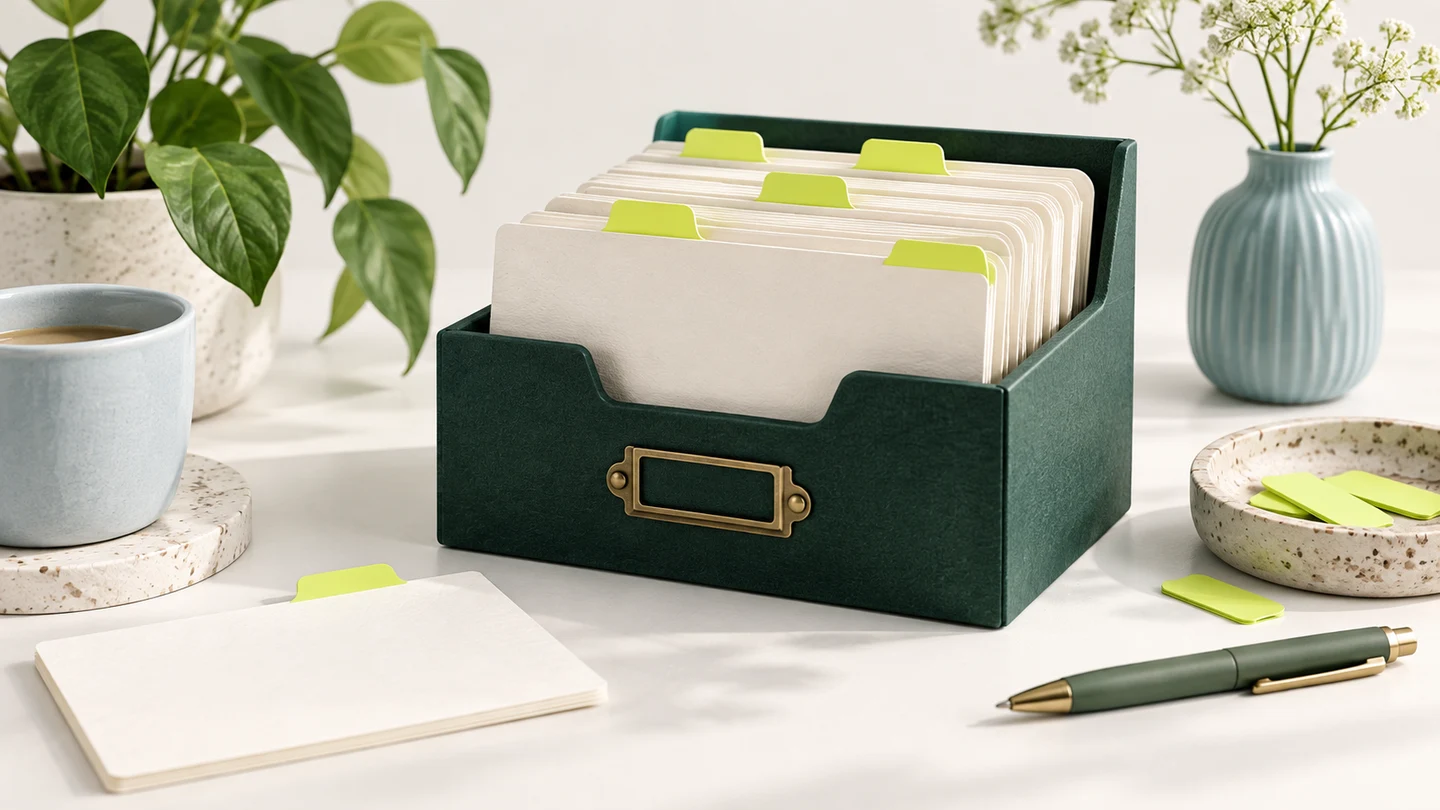
Use a simple prompt card
- Name: a plain description of the task.
- Inputs: what you must supply each time.
- Prompt: the reusable instruction with placeholders.
- Check: what you need to verify in the answer.
- Last tried: a date and a short note about what worked.
Fill in every placeholder before sending
For a fictional gardening club notice, the inputs might be a Saturday meeting, a seed-swap activity and a request to bring labelled packets. If the notes do not include a time, the assistant should ask. It should not borrow a time from last month’s event or make one up.
Read the completed prompt once as though someone else handed it to you. Can you see who it is for and what to produce? Search for square brackets you forgot to replace. Make sure an old instruction, such as a Christmas theme, has not travelled into an unrelated task.
You can use built-in features later
Some tools provide ways to reuse instructions. Google’s Gems, for example, support specific repeatable instructions for Gemini. That may be convenient once you know which workflow helps you. You can still learn the habit with a plain document and copy-and-paste, without setting up a custom assistant.
Source: Google’s guide to repeatable instructions with Gems
Keep a check beside the prompt
For the community-notice template, the check might be: “Confirm the date, time, location, price and booking method. Remove any fact absent from my notes.” A prompt that worked yesterday can still produce a poor answer today. Judge the output against the job, not the fact that the template once worked.
Your ten-minute task: choose one successful request, remove private details, add placeholders and save it with a clear name. Test it using a second fictional example. If you need to explain the same missing instruction twice, add that instruction to the template. Keep the version that is easiest to understand.