You ask an AI assistant to work out a total. It replies instantly with a neat explanation and an answer that looks sensible. Should you use it? For everyday arithmetic, the useful habit is simple: let AI help organise the problem, then check the important numbers independently. A polished explanation is not proof that the calculation is correct.
Why a confident answer can still be wrong
An assistant can misunderstand the question, copy a number incorrectly, choose the wrong formula or make an arithmetic error. Some assistants use calculation tools; others may generate the answer directly. Even a correctly executed calculation can answer the wrong question if its inputs or assumptions are mistaken.
Microsoft’s guidance for Copilot in Excel explicitly warns that generated insights and formulas can be inaccurate and should be reviewed. That is a useful reminder even when the answer appears inside a familiar spreadsheet. The practical routine below is our suggested way to turn that warning into a manageable check.
Source: Microsoft’s guidance on checking Copilot formulas
Start by pinning down the inputs
Imagine you are arranging a fictional craft workshop. You need 18 supply packs at $12.50 each, plus a single $24 delivery charge. The supplier offers 10% off the packs, but not delivery. All prices in this example are final; there are no additional charges. Writing those conditions down prevents several possible misunderstandings.
Ask the assistant to repeat the quantities, prices and discount conditions before calculating. Check its list against your original information. Did it treat delivery as a charge per pack? Did it apply the discount to everything? Catching either mistake now is easier than untangling a convincing explanation later.
Estimate before reading the exact answer
Make a rough estimate yourself. Eighteen packs at about $13 each will cost a little under $234 before the discount. Taking roughly a tenth off, then adding delivery, should leave a total somewhere around the mid-$220s. An answer of $22 or $2,200 would immediately deserve another look.
An estimate will not detect every error. It gives you a useful sense of scale. The same habit works with minutes, kilometres and quantities: ask whether the result is plausible before accepting its precision. Six decimal places can make a weak answer look impressively exact.
Recalculate the example independently
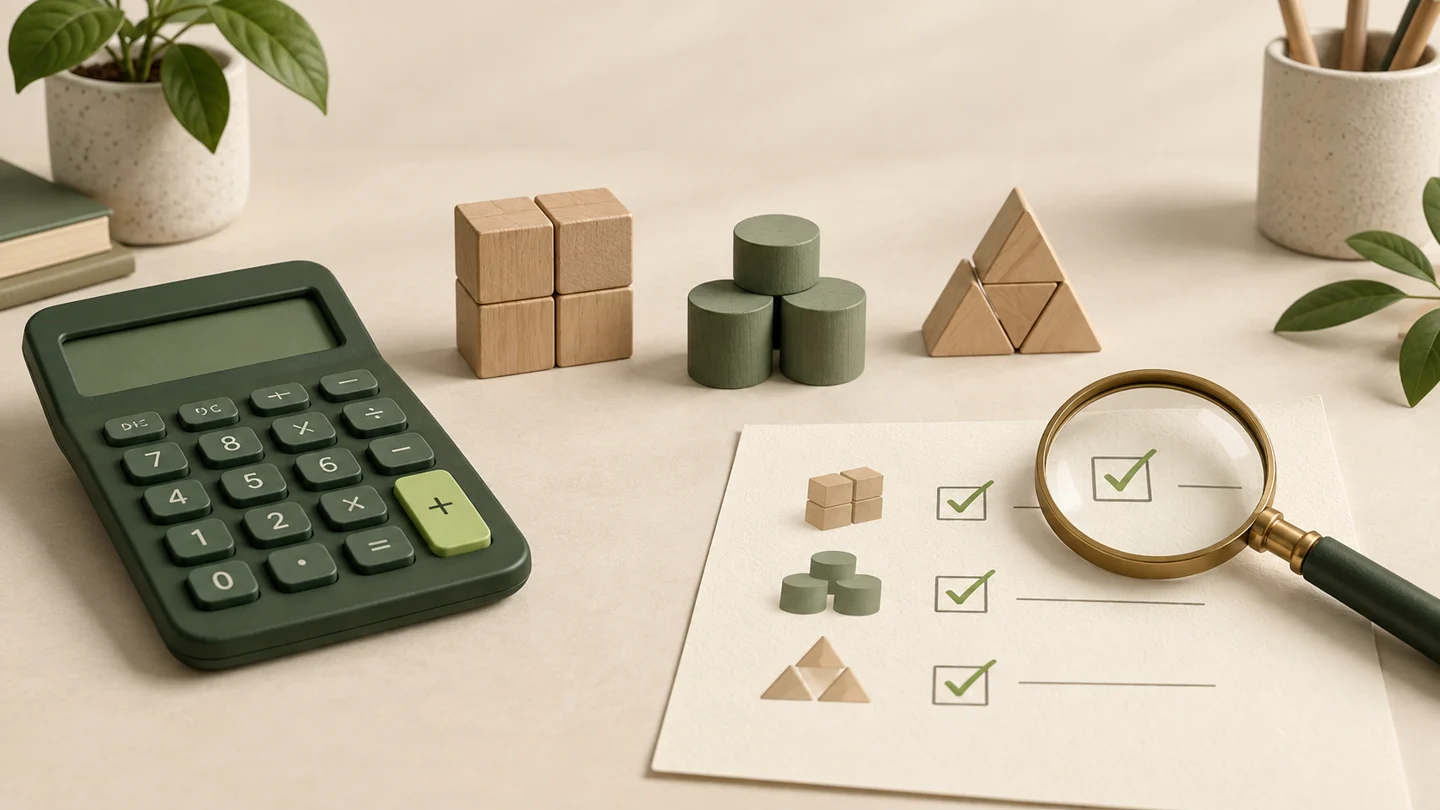
Use a calculator for the actual arithmetic. The packs cost 18 × $12.50 = $225. The discount is $225 × 0.10 = $22.50. Subtracting it leaves $202.50. Adding the single $24 delivery charge gives $226.50. Compare each subtotal with the assistant’s answer, rather than comparing only the final total.
If you use a spreadsheet, inspect the formula and the cells it refers to. A formula can work perfectly while pointing at the wrong row. For this small example, entering =(18*12.5*0.9)+24 into a spare cell gives another check. Confirm the same conditions apply before reusing that formula elsewhere.
Ask about differences, not reassurance
If your result differs, avoid asking only “Are you sure?” Instead, identify the exact disagreement: “You discounted delivery, but the discount applies only to packs.” Ask for a corrected calculation using that condition. Then check the revised result again. Agreement with you is not evidence of accuracy either.
Check units and definitions too. A monthly figure multiplied by 12 is different from a weekly figure multiplied by 52. A 20% increase followed by a 20% decrease does not return to the starting amount: 100 becomes 120, then 96. The percentage applies to a different base each time.
Keep the checked version with the answer
For a calculation you will reuse, save the original inputs, formula and date together. Label estimates clearly. If a price or quantity changes, update the inputs and repeat the check rather than editing the final number by eye. This makes the result easier for another person to understand and verify.
Try the workshop example today, then change the pack quantity to 20 and check it again. The new total should be $249. That small exercise builds a valuable habit: AI helps you frame the problem, while a transparent calculation and an independent check earn your trust.