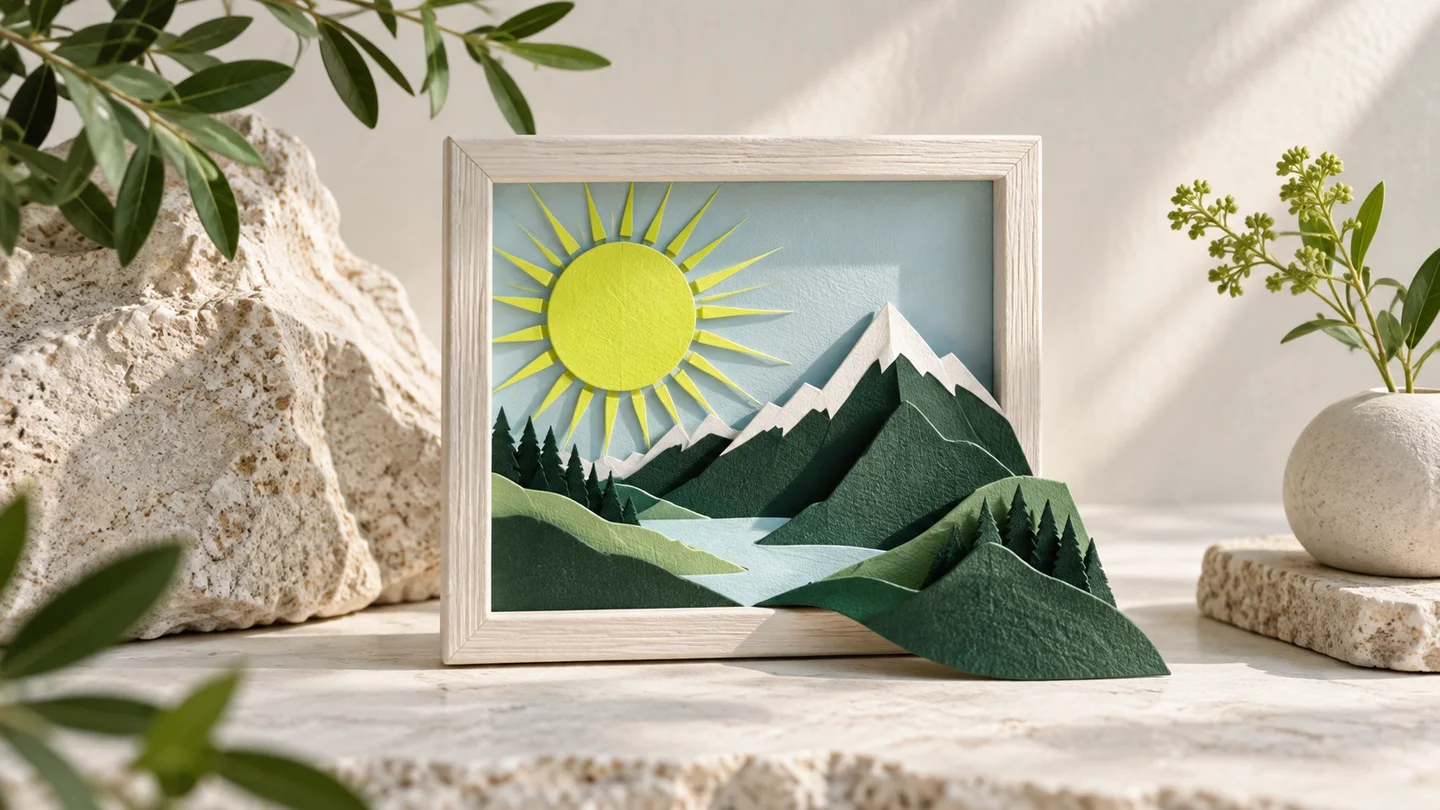
Choose an AI tool that supports image generation, then describe a simple scene in everyday language. Include what should be in the picture, the visual style and its intended use. You do not need technical photography vocabulary to begin.
What should I put in the prompt?
A useful starting brief has four parts: the subject, setting, style and shape. For example, a ceramic mug is the subject, a sunny desk is the setting, a paper illustration is the style, and a wide rectangle is the shape.
Adobe’s Firefly guidance describes generating images from text and adjusting options such as lighting, colour and camera angle. Other tools present these choices differently. Look for the options available in your own image tool rather than assuming every chat application can generate pictures.
Adobe’s guide to generating images from text
Choose the shape before you begin
A wide image usually suits a website banner, while a square may suit a small card. Describe the placement so important details are not pushed to the edges. If the tool has an aspect-ratio control, select the shape there as well.
For a blog hero, ask for breathing room around the main subject. That makes the image easier to use at different screen sizes. Avoid putting essential instructions inside the generated picture; ordinary page text is easier to read, edit and access.
How do I improve an image I almost like?
Name the one change that matters most. ‘Make it better’ is vague. ‘Keep the pot and seedling, but simplify the background and make the light softer’ gives a clearer direction. If the tool supports editing an existing image, use that feature and state what should stay unchanged.
- Check that the main subject matches your brief.
- Inspect small details, edges and any unexpected lettering.
- Look for objects that seem joined together or physically implausible.
- Make sure the image remains understandable at a smaller size.
Can I use it as a real photograph?
Treat a generated scene as an illustration unless its context clearly explains otherwise. Do not present an invented event, product feature or location as photographic evidence. If you are publishing it, check the image service’s current terms and any requirements of the place where you will use it.
Use your own or appropriately authorised reference material if you upload an image for editing. When an image helps explain an article, add concise alternative text describing the meaningful visible content.
Your first creative exercise
Generate the seedling illustration using the prompt above. Save the image and the exact prompt, then write down one successful detail and one thing you would change. Make a single targeted revision if your tool allows it.
You now have a repeatable method: describe a small scene, inspect what appeared, and refine a specific detail. The goal is an image that supports your message, rather than a complicated prompt for its own sake.